
Hi, I'm Ash, fellow senior. After a successful career, I postponed retirement to start Empathy, a brand dedicated to helping seniors and solo agers thrive. Ten Minute AI is my way of doing just that — showing you how to use AI with confidence, one simple 10-minute guide at a time.
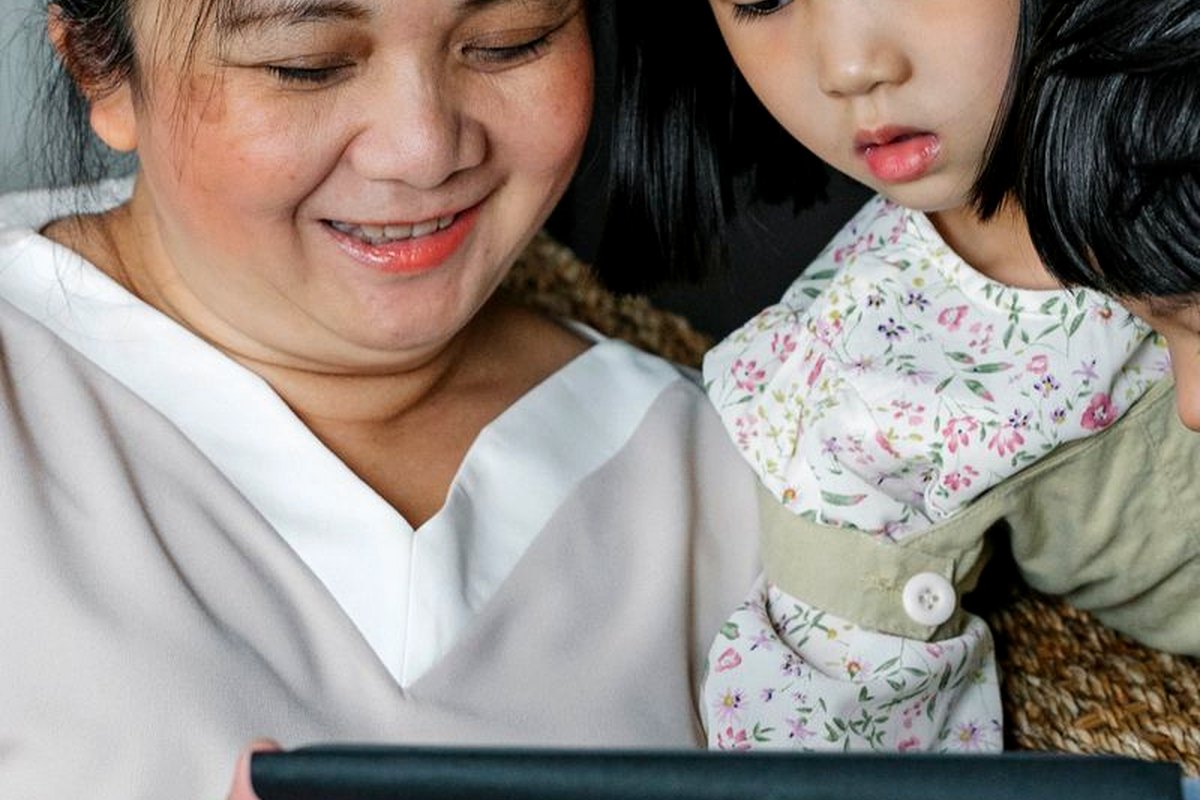
What Tablet Is Best For Trying AI
I know many of us wonder, "Is AI something I could actually use?" and the honest answer is: yes, and the best tablet for trying it is an iPad (9th generation or newer) or a simple Android tablet like the Samsung Galaxy Tab A8. These are affordable, easy to set up, and have the apps you need to start exploring AI safely.
With a tablet, you can use AI to help write a letter to your grandchild, get a recipe idea from what's in your fridge, or even read the fine print on a prescription bottle by just pointing the camera. It's like having a helpful assistant right in your hands.
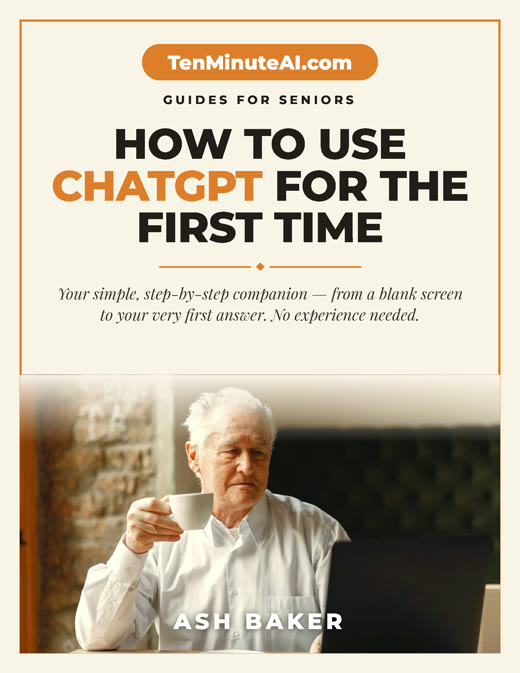
New to ChatGPT? Start here — free.
Get my large-print, step-by-step guide: How to Use ChatGPT for the First Time (PDF + short video). Yours free.
Why a Tablet Over a Computer or Phone?
Tablets are perfect for beginners because they're simpler than a computer—no confusing files or folders. The screen is bigger than a phone, so you can see what you're doing without squinting. And they turn on instantly, like a TV. If you can tap an icon, you can use AI.
For example, I use my tablet to ask an AI app to help me organize my grocery list by just speaking into it. It remembers my regular items and even suggests healthy swaps. No typing required!
Which Tablet Should You Choose?
I recommend the iPad 9th generation (around $250) because Apple makes it easy with clear instructions and long-term software updates. If you prefer Android, the Samsung Galaxy Tab A8 is also a great choice and often costs less. Both have a camera for scanning things and support the most popular AI apps.
Here's a real example: my friend Carol used her iPad to take a photo of a plant in her garden and an AI app told her exactly what it was and how to care for it. She felt like a botanist without leaving her chair!
How to Get Started Safely with AI
Start with one simple, free app: ChatGPT or Microsoft Copilot. Both have voice input, so you can talk instead of type. Try asking: "What's a good 30-minute dinner using chicken and rice?" or "Write a short thank-you note for a birthday gift." You'll see how it works instantly.
Don't worry about breaking anything—you can't. AI apps are like a search engine that talks back. If you don't like the answer, just ask again. Start with 5 minutes a day and you'll be surprised how quickly it becomes a helpful friend.
Ready to go further?