

Hi, I'm Ash, fellow senior. After a successful career, I postponed retirement to start Empathy, a brand dedicated to helping seniors and solo agers thrive. Ten Minute AI is my way of doing just that — showing you how to use AI with confidence, one simple 10-minute guide at a time.

What is ChatGPT?
I know it can feel like technology is moving too fast, and you might wonder if ChatGPT is just another complicated gadget you'll never use. The honest answer is that ChatGPT is a friendly, patient assistant that can help you with everyday tasks—no tech skills required.
Think of it as a helpful neighbor who's always ready to lend a hand. You can ask it to help you write a letter to your doctor, explain a confusing bill, or even suggest a simple recipe using ingredients you already have. It's like having a conversation with someone who listens and responds.
New to ChatGPT? Start here — free.
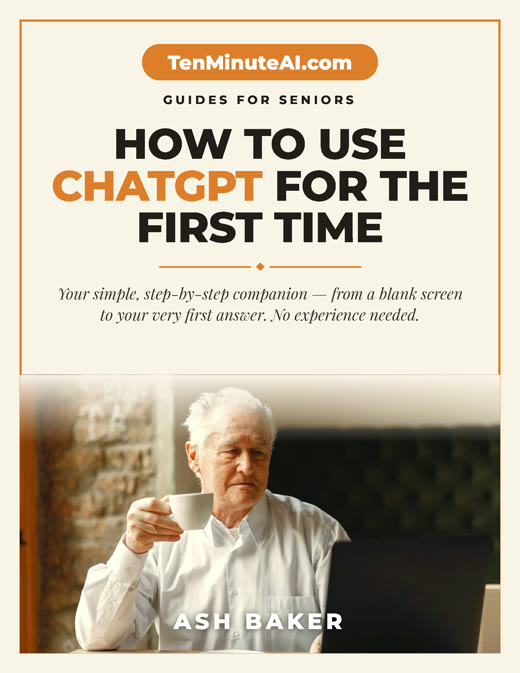
Get my large-print, step-by-step guide: How to Use ChatGPT for the First Time (PDF + short video). Yours free.
How ChatGPT Can Make Your Daily Life Easier
Imagine you need to write a thank-you note to a friend but can't find the right words. Just tell ChatGPT what you want to say, and it will write a draft for you. You can change it however you like. Or maybe you have a medical bill with terms you don't understand. Ask ChatGPT to explain it in simple language. It can also help you plan a weekly menu, create a shopping list, or even remind you when to take your medications.
For example, I recently used it to draft a polite email to my grandson's teacher about a missed assignment. It took less than a minute, and the teacher replied saying it was perfect. That's the kind of help ChatGPT offers—it saves time and reduces stress.
Is It Safe? What About Privacy?
It's normal to worry about privacy. I felt the same way. Here's what I do: I never share my full name, address, or bank details. You can use ChatGPT without giving any personal information. Think of it like talking to a helpful librarian who doesn't remember what you said after you leave. You can even delete your chat history easily.
A good rule is: if you wouldn't tell a stranger on the bus, don't type it. For everyday questions like 'How do I fix a leaky faucet?' or 'What's a good movie for a quiet evening?' it's perfectly safe. Start with small, low-stakes questions to build your confidence.
Getting Started: Your First Simple Step
To try ChatGPT, you just need a computer, tablet, or smartphone with internet. Go to chat.openai.com and click 'Sign up'. Use your email or a Google account. That's it. Once you're in, type something like 'Write a short poem about a cat' or 'Explain how to change a light bulb in simple steps'. It will respond instantly. You can even speak to it if your device has a microphone.
Don't worry about making mistakes. You can ask it to rephrase, simplify, or try again. There's no wrong way to talk to ChatGPT. Start with something fun, like asking for a joke or a fun fact. Soon you'll see how natural and helpful it can be.
Ready to go further?