
Hi, I'm Ash, fellow senior. After a successful career, I postponed retirement to start Empathy, a brand dedicated to helping seniors and solo agers thrive. Ten Minute AI is my way of doing just that — showing you how to use AI with confidence, one simple 10-minute guide at a time.

Is It Too Late For Me To Learn AI
I know what you might be thinking: "Is it too late for me to learn AI? I'm not a tech person." The honest answer is no, it's absolutely not too late — and you don't need to be a computer whiz to benefit.
AI can make your everyday life easier in ways you might not expect. For example, you can use it to draft a clear letter to your doctor, summarize a confusing bill, or even help you write a thoughtful email to a grandchild. It's like having a helpful assistant who never gets tired.
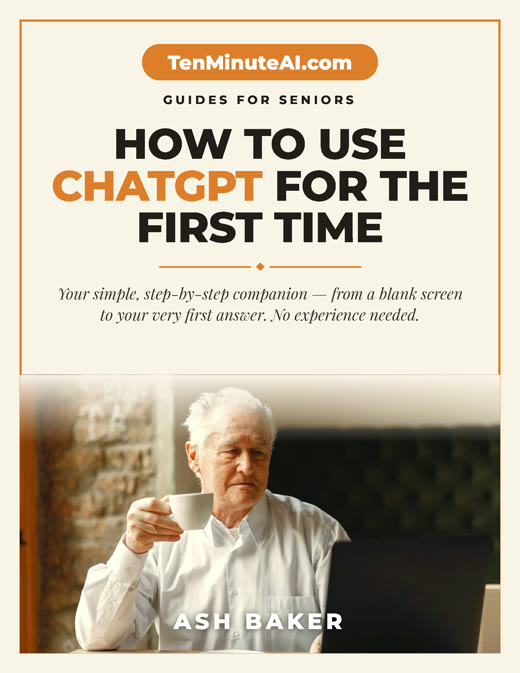
New to ChatGPT? Start here — free.
Get my large-print, step-by-step guide: How to Use ChatGPT for the First Time (PDF + short video). Yours free.
What AI Can Do for You — Right Now
Imagine you're trying to read the fine print on a prescription label or a bill. AI can take a photo of that text and explain it in simple terms. Or suppose you want to send a birthday note to a friend but struggle to find the right words. You can tell AI what you want to say, and it will write a warm, natural message for you. It's like having a friend who's great with words.
Another example: you have a pile of old family photos and want to organize them. AI can help sort them by date or even identify who's in the picture. These are real, practical tasks that AI can simplify — no coding required.
Start Small and Safe
The best way to begin is with a simple, free tool like ChatGPT. You don't need to download anything special — just open a website or ask a family member to help you set it up. Start with something easy: "Write a thank-you note for a gift I received." You'll see how it works in seconds.
Here's a tip: always treat AI like a helpful but imperfect assistant. Check its work — don't share personal info like your Social Security number or bank details. Think of it as a tool, not a person. And remember, you're in control: you can always ignore or change what it suggests.
You Already Have What It Takes
Learning AI isn't about memorizing technical terms. It's about being curious and willing to try something new. You've learned harder things in your life — like cooking from a recipe or navigating a new town. AI is just another tool. Start with one small task, and you'll quickly see it's not as intimidating as it sounds.
If you get stuck, ask a grandchild or a friend. Most people are happy to help. And there are plenty of simple guides online, like the ones on TenMinuteAI.com, that explain things. You've got this.
Ready to go further?