

Hi, I'm Ash, fellow senior. After a successful career, I postponed retirement to start Empathy, a brand dedicated to helping seniors and solo agers thrive. Ten Minute AI is my way of doing just that — showing you how to use AI with confidence, one simple 10-minute guide at a time.

How Do I Use AI?
I know it can feel like everyone's talking about AI these days, and maybe you're wondering, "Is this something I need to worry about?" The honest answer is: AI is just a tool that can help you with everyday tasks, like a very smart assistant. You don't need to be a tech expert to use it.
Think of AI as a helper that can save you time and effort on things you already do. For example, you can use it to draft a letter to your insurance company, get a quick summary of a confusing bill, or even find a recipe that uses ingredients you already have. It's like having a patient friend who's always ready to lend a hand.
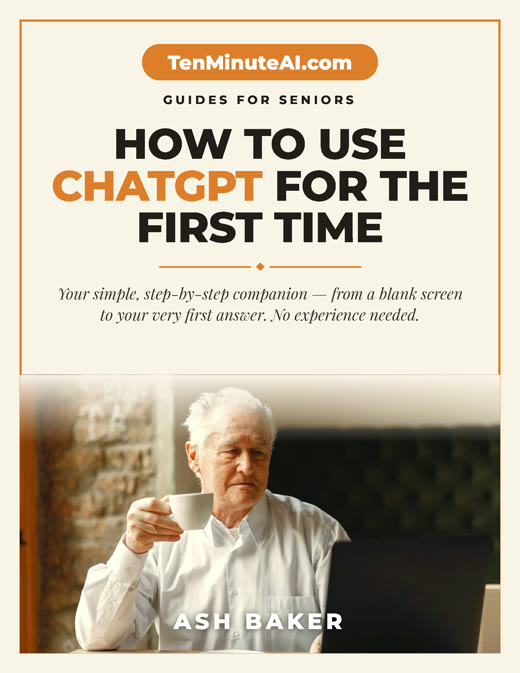
New to ChatGPT? Start here — free.
Get my large-print, step-by-step guide: How to Use ChatGPT for the First Time (PDF + short video). Yours free.
What Can AI Do for You?
AI can help with writing, organizing, and even remembering things. Imagine you need to write a thank-you note to your granddaughter. You can tell an AI tool, 'Help me write a short thank-you note for a birthday gift,' and it will give you a few options to choose from. Or, if you're trying to understand a medical bill, you can ask the AI to explain it in simple terms. It's like having a patient assistant who never gets tired of your questions.
Another example: planning a family reunion. You can ask AI to suggest activities, create a simple schedule, or even draft a group email. It takes the stress out of starting from scratch.
Is It Safe? What About My Privacy?
That's a very smart question. When using AI, it's important to never share personal information like your Social Security number, bank details, or passwords. Think of it like talking to a helpful stranger—you can ask for advice without giving away private details. Most AI tools are designed to be safe, but it's always wise to be cautious. Start with simple, low-stakes tasks like asking for a recipe or a joke. That way, you get comfortable without any risk.
If you're worried about your data, use a well-known AI tool like ChatGPT or Microsoft Copilot, and avoid clicking on suspicious links. Your safety comes first, and you're in control.
How Do I Get Started?
Getting started is easier than you think. You don't need to download anything special. Just open your web browser and go to a site like chat.openai.com (that's the most popular one). You'll see a box where you can type a question. Start with something simple like, 'What's a good dinner recipe for two?' or 'Write a short poem about my cat.' Play around with it—you can't break anything.
If you get stuck, ask a family member to help you set up a free account. Once you try it, you'll see it's not as complicated as it sounds. And remember, you're always in charge. You can stop anytime.
Ready to go further?